
In this post: We’re walking through the brains of your recording setup: your computer. We’ll also cover alternative options if a full computer rig isn’t in the cards right now. Before you spend any money, let’s figure out what you actually need.
TL;DR:
- You don’t need a computer to start. Mobile devices and standalone recorders are valid paths
- For computer recording: 16GB RAM, multi-core CPU, and SSD storage good starting points
- Mac vs PC is mostly personal preference. Both work great for recording
- Start with what you have and test it before buying anything new
- Save your money by buying used gear
Before You Buy: Alternative Ways to Start Recording
In the last post, we talked about figuring out what you actually need before spending money on gear. Your homework was to answer three questions:
- What do I want to record right now?
- Where will I be recording?
- What’s my realistic budget?
Armed with those answers, we can walk through some of your options, starting with alternatives to a full computer setup.
Mobile Recording: Start with What You Have
If all you have is a smartphone or tablet, you can absolutely start there. I’m a big proponent of making the most of the resources you have.
For iOS users: GarageBand is hard to beat. You can record multiple tracks, add effects, export finished tracks, and even play virtual instruments directly on the screen. And it’s free.
For Android users: BandLab and FL Studio Mobile are solid options.
You won’t have the same flexibility as a full computer-based DAW, but you can learn fundamentals and capture ideas. Don’t underestimate what you can do with a phone.
Standalone Recorders: All-in-One Solutions
There’s a whole category of devices like the Zoom R8 or Tascam PortaStudio that let you record multiple tracks without a computer at all.
These are self-contained units. They’re basically a computer, mixer, and interface rolled into one. They typically have 4 to 16 input channels with faders, (relatively) simple controls, and onboard effects.
Why I love these for beginners:
- They force you to focus on getting the best sounds and performances
- No computer distractions
- They’re portable. Great for recording band practices or jam sessions
- Many can double as an interface when you’re ready for computer recording
Price range: $100-300 used
I spent years working on units like these early in my recording journey, and honestly, the limitations can be a blessing. They teach you to make decisions and commit to them.
Bottom line: If you’re starting on mobile or a standalone recorder, you’re still building real skills that will transfer. People are making music on all kinds of setups. Don’t feel like there’s only one right way to do this.
Choosing Your Computer for Recording
Most people eventually want the flexibility and power of a computer-based recording setup, so let’s talk about what you actually need.
Why Your Computer Matters
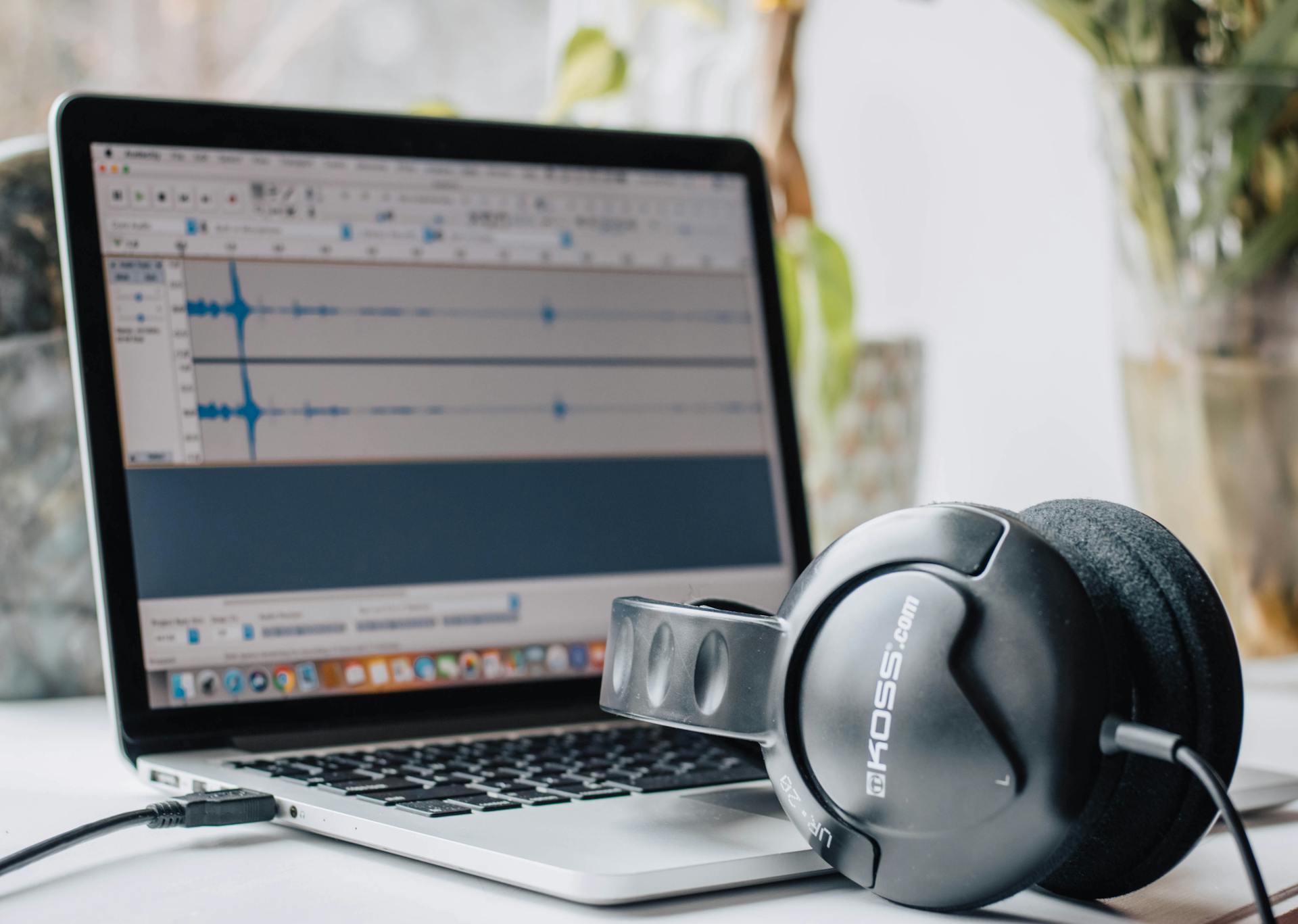
You need a reliable machine. Recording audio is hard work for a computer. You’re processing multiple audio streams in real time, running plugins and effects, and storing large audio files. If your computer can’t handle it, you’ll be dealing with constant glitching and crashing. Trust me, it’s super frustrating. But you don’t need the latest and greatest, which is especially important to remember if you’re looking at Macs.
The good news is that you probably don’t need to buy a new computer. If you have a laptop or desktop from the last 3-5 years, there’s a good chance it’ll work fine for basic recording.
Try what you have first before spending money.
What Specs Actually Matter
When shopping for a recording computer, focus on these three things:
Processor (CPU): Your Computer’s Brain
This is the brain of your computer. Look for multi-core processors. Most modern computers have at least 4 cores, which is fine for getting started. More cores help when you have high track counts and are running lots of plugins or virtual instruments.
On the Mac side, anything from the M1 chip forward is going to give you plenty of room to grow, but the older i7 and i9 Intel processors can still do the job.
On the PC side, Intel i5/i7 or AMD Ryzen 5/7 processors are solid.
RAM (Memory): Your Working Space
This is where your computer holds active projects and processes.
16GB is a solid starting point for home recording.
You can get by with 8GB if you’re just starting and working with simple projects, but 16GB gives you room to grow. But I still recommend getting as much as your budget allows. I have 96GB in my studio computer because I usually run a lot of virtual instruments and plugins and didn’t even what to think about it.
Storage: Speed Matters More Than Size
Get a solid-state drive (SSD), not an old spinning hard drive (HDD). SSDs are way faster, which means your DAW loads quicker, your projects open faster, and everything feels more responsive. 256GB is minimum, but 512GB is better if you’re going to be recording a lot of audio files. I set up my computers with 1TB main drives and use external SSDs for additional project storage.
Pro tip: Get as much CPU, RAM, and storage as your computer budget allows. It’s easier to buy it now than upgrade later (especially on Macs).
Mac vs. PC: Making the Choice
I’ve been a Mac user since 2008, so that’s what I know best and what you’ll see me using throughout this course. But PCs are commonly used in studios everywhere, so let me give you the breakdown on both.
Why I use Mac:
- Stability and reliability. They just work.
- If you have an iPhone or iPad, the ecosystem integration is really nice. You can use your iPad and phone as a control device, for example.
- Logic Pro is Mac-only, and it’s my DAW of choice (we’ll talk more about that later)
- Generally good resale value
Current Mac options:
- Mac Mini (M2 or M4): Starting around $600-800, this is a great desktop option. Quiet, powerful, takes up no space. You’ll need a monitor, keyboard, and mouse if you don’t have them already. (As I’m writing this, you can find a used M4 Mac Mini with a 256GB hard drive and 16GB of RAM for less than $500.)
- MacBook Air (M2 or M3): Around $1000-1200, gives you portability, great battery life, and plenty of power for recording.
- Used Macs: A 2-3 year old Mac can be a great value. Just make sure it’s running a recent OS and has the specs I mentioned.
The PC side:
Many people prefer PCs for a few reasons:
- Better price-to-performance ratio. You can get more power for less money
- More upgrade options. You can swap out RAM, storage, even processors on many models
- Wider range of budget options
What to look for: Same specs I mentioned above
- Multi-core CPU (Intel i5/i7 or AMD Ryzen 5/7)
- 16GB RAM minimum
- SSD storage
- Price range: $500-800 for a solid mid-range desktop or laptop
A note on PC recommendations: I don’t use them regularly anymore and specific models change constantly. Focus on the specs I mentioned, check current reviews, and ask in the Discord what people are using.
Smart Shopping: New vs. Used
As a general rule, I try to buy as much used gear as possible. Let somebody else take the hit, especially if you’re not 100% sure that the thing you’re buying is right for you. A refurbished or used computer that’s 2-3 years old can be a great value, and are frequently spec’d out in ways you wouldn’t get buying new from a store. I purchased my MacBook Pro from the Apple Refurbished program for that very reason.
Where to look:
- Manufacturer refurb sites (Apple Certified Refurbished, Dell Outlet, etc.)
- Online Marketplaces (Reverb, Facebook Marketplace, eBay)
- Reputable used tech sellers
What to avoid: Anything more than 5 years old. You want something that can run current software without issues.
The Bottom Line: Start Smart
Start with what you have. Download a free DAW like Waveform or GarageBand and see how your current computer handles recording. You might be surprised.
Upgrade when you hit walls, not before. If your computer is crashing, freezing, or can’t handle the projects you’re making, then it’s time to upgrade. Don’t overspend on specs you won’t use.
Consider your path. Mobile or standalone recorder now, computer later? That’s totally valid. There’s no rush.
What’s Next?
Now that you know what to look for in a computer (or which alternative path makes sense for you), it’s time to talk about audio interfaces.
Questions about computers or specs? Join the discussion in our Discord community.
Leave a Reply