
A Quick Intro
Welcome to the Getting Started in Home Recording series. Over the next several posts (and eventually videos), I’m going to share my thoughts on how to dip your toes into the world of home recording. I’ve learned a lot over the last 20+ years, and most of it the hard way. I’m hoping to save you some time, money, and frustration so that you can just enjoy the process and make some music.
This series is a crash course in home recording basics.
We’ll cover:
- How to figure out what you actually need in your home recording setup
- How to build your setup on a budget
- The basics of using a DAW
- How to do a simple mix
Just to set expectations, this series focuses on recording live instruments: guitars, vocals, drums, that kind of thing. If you’re working primarily with virtual instruments and samples, the basic principles still apply, but your gear needs will be different.
By the time you work through this series, you’ll have the tools and knowledge to get your ideas into your DAW and start building them into something you’re proud of.
Want to connect with others going through this? Join our free Discord community where you can ask questions, share your progress, and get feedback.
How Recording Works, and What You Need To Start
In this post: We’re taking a bird’s-eye view of how recording works, introducing you to the essential tools, and helping you figure out what you need for your own setup without wasting money on gear you don’t need.
TL;DR: Need the basics fast?
- You need three things to record: a source, a way to capture it, and a way to edit/mix it
- The studio fantasy often doesn’t match your real recording needs
- Answer three questions before buying gear: What do you want to record? Where? What’s your budget?
- Start with what you have and upgrade when you hit real limitations
If you’re interested in recording, chances are you’ve already seen plenty of fancy professional studios or videos from music influencers with racks of expensive gear and studio walls covered in acoustic treatment.
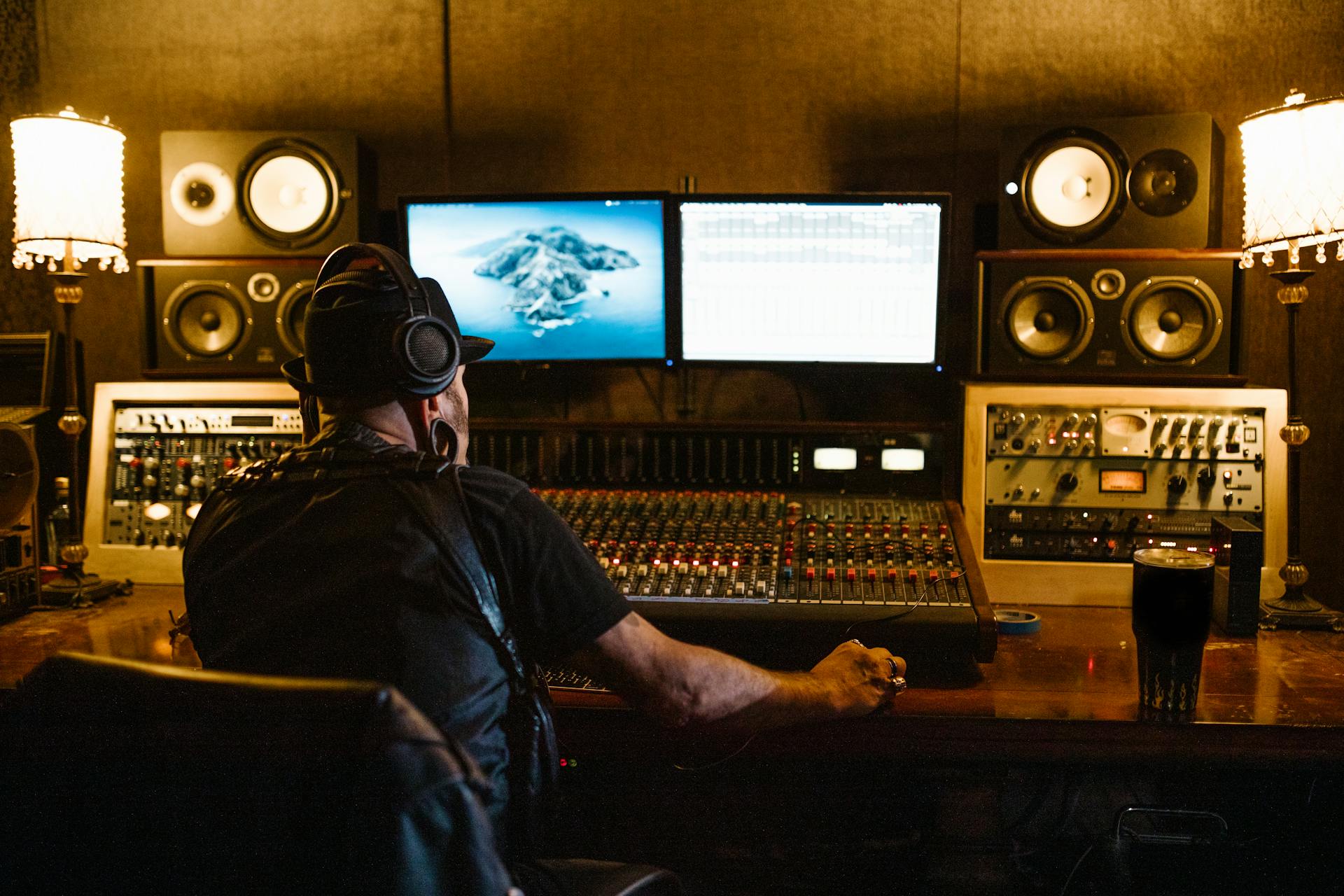
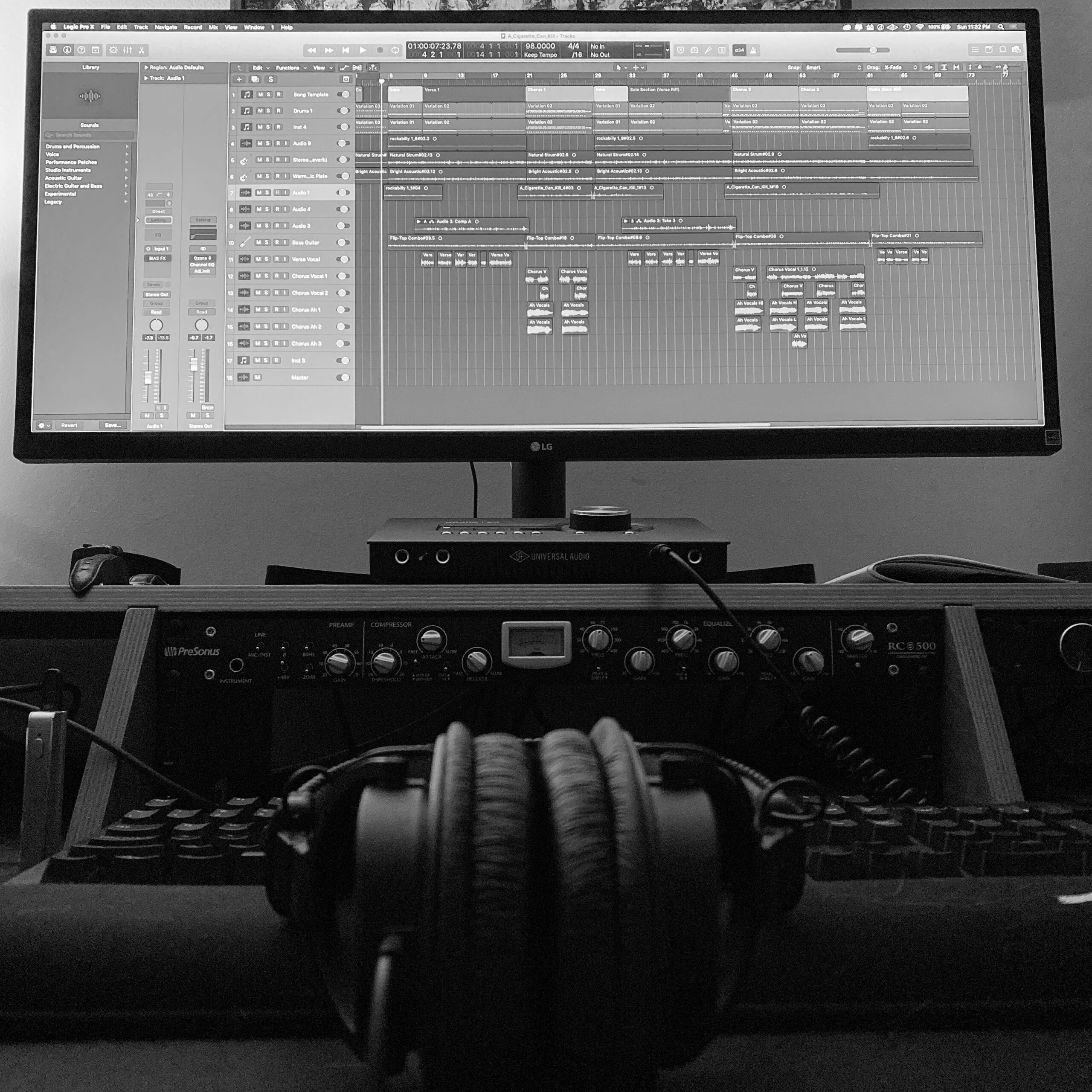
A console and lots of outboard gear is cool, but not necessary.
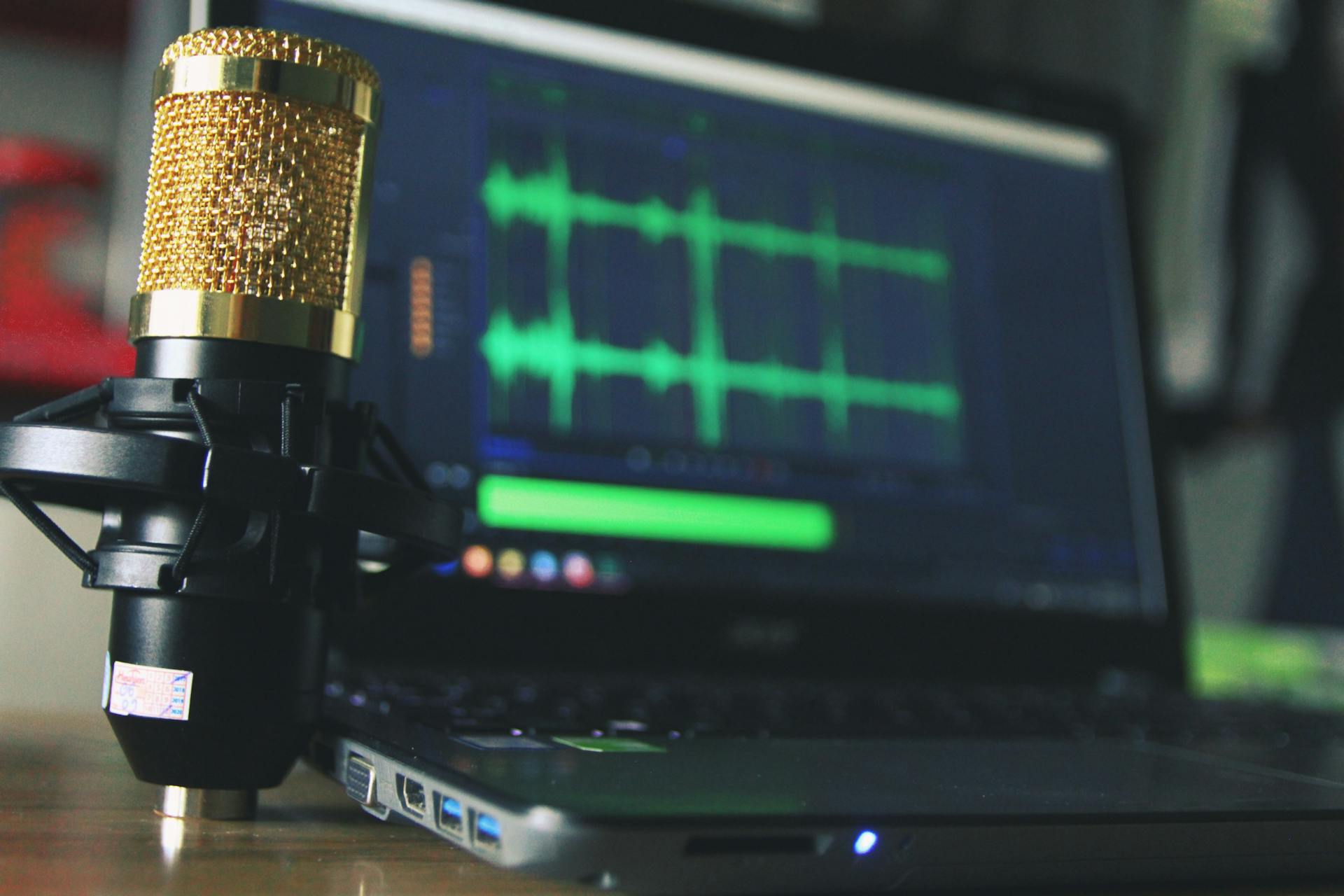
A microphone, laptop, and a set of headphones will go a long way.
Here’s the truth: you don’t need all that stuff to make great-sounding music. There are people making professional-level records right now with a laptop and headphones. From an affordability standpoint, there’s never been a better time to record your own music. The quality of most entry-level gear is more than enough to make great sounding music at home.
What really matters is three things:
- Understanding the recording process
- Knowing what tools you need to make the music you want to make
- Learning how to use those tools well
Let’s start with the process.
The Three Essential Components of Recording
To record music, you need three things:
- A source: Your instrument or voice
- A way to capture it: A microphone or direct input
- A way to edit and mix it: A computer and software
That’s pretty much it. Everything else is refinement.
You can start as simple as a smartphone with a free recording app. But if you’re getting serious, you’ll want an interface, a mic, headphones or monitors, and a DAW (Digital Audio Workstation—the software where you’ll do your recording and mixing).
Note: This series focuses primarily on recording live instruments—guitars, vocals, drums, that kind of thing. If you’re working entirely with virtual instruments and samples, the same basic principles apply, but your gear needs will be different.
The Studio Fantasy vs. Your Reality
For years, I dreamed of building the ultimate home studio: racks of gear, a diverse mic locker, high-end studio monitors, treated space… the whole deal.
But here’s what I eventually realized: I’ve rarely needed to record more than two tracks at once. Most of my work is solo, in-the-box, and doesn’t involve mic’ing drums or guitar cabs. That realization helped me trim down my gear and focus on what I actually use.
The Lesson
Chasing the idealized version of your studio setup leads you to buy things for your imaginary life, not your real one. Now, if you’ve got money burning a hole in your pocket and you just want a piece of gear because it’s cool or inspirational, go for it. I still do that on occasion. But don’t fall into the trap of thinking, “if I only had (insert fancy studio equipment here), then I would be able to make great music.”
What really matters is learning the basics and understanding how to use the tools you have.
Before You Buy Anything: Three Questions to Answer
Don’t spend a dime until you can answer these questions:
1. What are your goals right now?
Not five years from now—right now.
- Are you capturing song ideas or recording full arrangements?
- Recording just yourself, or a full band?
- Working with live instruments, virtual instruments, or both?
2. What’s your recording space like?
- Bedroom? Garage? Living room with three kids running around?
- Does your rig need to be mobile?
- Can you make noise, or do you need to work quietly?
Your answers here will tell you whether you need studio monitors or should stick with headphones, what kind of interface makes sense, and how much gear you can realistically accommodate.
3. What’s your realistic budget?
Money matters, but not as much as you might think.
- There are free tools that work remarkably well
- The used market is full of great gear
- You don’t need the latest and greatest
- You can always upgrade as you grow
Your Homework
Before moving on to the next post, take some time to honestly answer these three questions:
- What do I want to record right now?
- Where will I be recording?
- What’s my realistic budget?
Want feedback on your answers? Join our Discord community and share your situation. We’ll help you figure out what makes sense for your specific needs.
What’s Next?
Now that you understand the fundamentals and have thought through your actual needs, it’s time to talk about the gear itself.
In the next post, we’ll walk through choosing a computer for recording, explore alternative paths if a full computer setup isn’t realistic, and talk about what specs actually matter.
Remember: Don’t buy anything yet. Figure out what you need first.
Leave a Reply